

Picture the meeting: Your transport director has asked whether it’s time to move to a new route optimization platform. Your planners worry about their routes. IT worries about integrations. Finance wants numbers. And everyone is asking the same thing: what happens to all the work we’ve already put in?
Here’s the short answer. You can switch without starting over, and the best way to choose is to compare platforms on the capabilities that shape your planning every day. If you use PTV Route Optimiser, our legacy routing product, moving to PTV OptiFlow, the product it is evolving into, is a guided upgrade. Your data isn’t lost, PTV Logistics helps you transfer it, and you don’t have to switch overnight. If you are coming from another vendor’s software, the same questions apply.
Below, we’ll cover five questions to ask before you switch to any route optimization platform, what changes for your planners, how the switch works step by step, and what two customers learned along the way.
Five questions to ask before you switch to any route optimization platform
Vendor demos tend to look alike. The differences show up on a normal Tuesday, when orders change and the plan has to hold. These five questions help you compare platforms on what matters, whatever system you use today. Under each one, you’ll see how PTV OptiFlow answers it:
- Is the plan ready to drive? Ask whether travel times change by time of day or one average is used all day, and whether arrival times come from the same traffic model. A plan that looks optimal on a map can still fall apart at 8 am.
How PTV OptiFlow answers: it uses time dependent traffic models based on historic patterns, and shows the arrival time at every customer.
- Does it plan beyond today’s routes? Daily routing is the starting point. Questions about fleet size, depots and demand shape your cost base even more. Ask whether strategic, tactical and operational planning live in one platform or in separate tools.

How PTV OptiFlow answers: it covers all three layers. With PTV Mira, you can ask what if questions in plain language and it runs real optimizations.
- How open is it to your other systems? Integration is a big part of any switch. Ask whether the platform was built API first or had an API added later, which systems it connects to, and how data stays in sync.
How PTV OptiFlow answers: it is built API first and connects to ERP, TMS, WMS and telematics. You can use it as a planning application, through PTV Mira, or by building its optimization into your own systems with the APIs in PTV Developer.
- Can planners work with the result? A plan nobody can adjust loses planner trust fast. Ask whether planners get a full application or an engine your team must build an interface around, and what they can change by hand.
How PTV OptiFlow answers: planners work on a plan board. They can drag and drop orders between routes, lock routes that must not change, and see any broken rules flagged.
- Does it plan the way your operation really works? Every network has its own rules: time windows, vehicle limits, legal breaks, overtime, subcontractor tariffs. Ask which rules are hard and which can bend, how cost is defined, and how many orders one plan can handle.
How PTV OptiFlow answers: hard rules must hold and soft rules can bend at a cost you set. You define what cost means, such as per kilometer, hour, stop or overtime, and up to 10,000 orders can be optimized in a single plan.
If you’re moving from PTV Route Optimiser: what changes and what stays
The biggest change is the planner’s role. The rest is more familiar than you’d think.
What changes for your planners
With PTV Route Optimiser, planners built and adjusted routes, with software supporting each decision. With PTV OptiFlow, the engine builds the plan and planners review it.
That sounds like a big shift, and customers who made it describe it in practical terms. At De Graaf Logistics, which had used PTV Route Optimiser ST since 2012, evening planning used to start around 9 pm and often ran until about 1 am.
“Now, it takes just 1.5 hours, with most of that time spent on preparation,” says Jochem Snaauw, distribution engineer at De Graaf Logistics.
The planner’s time moves from building the plan to preparing the data and reviewing the result.
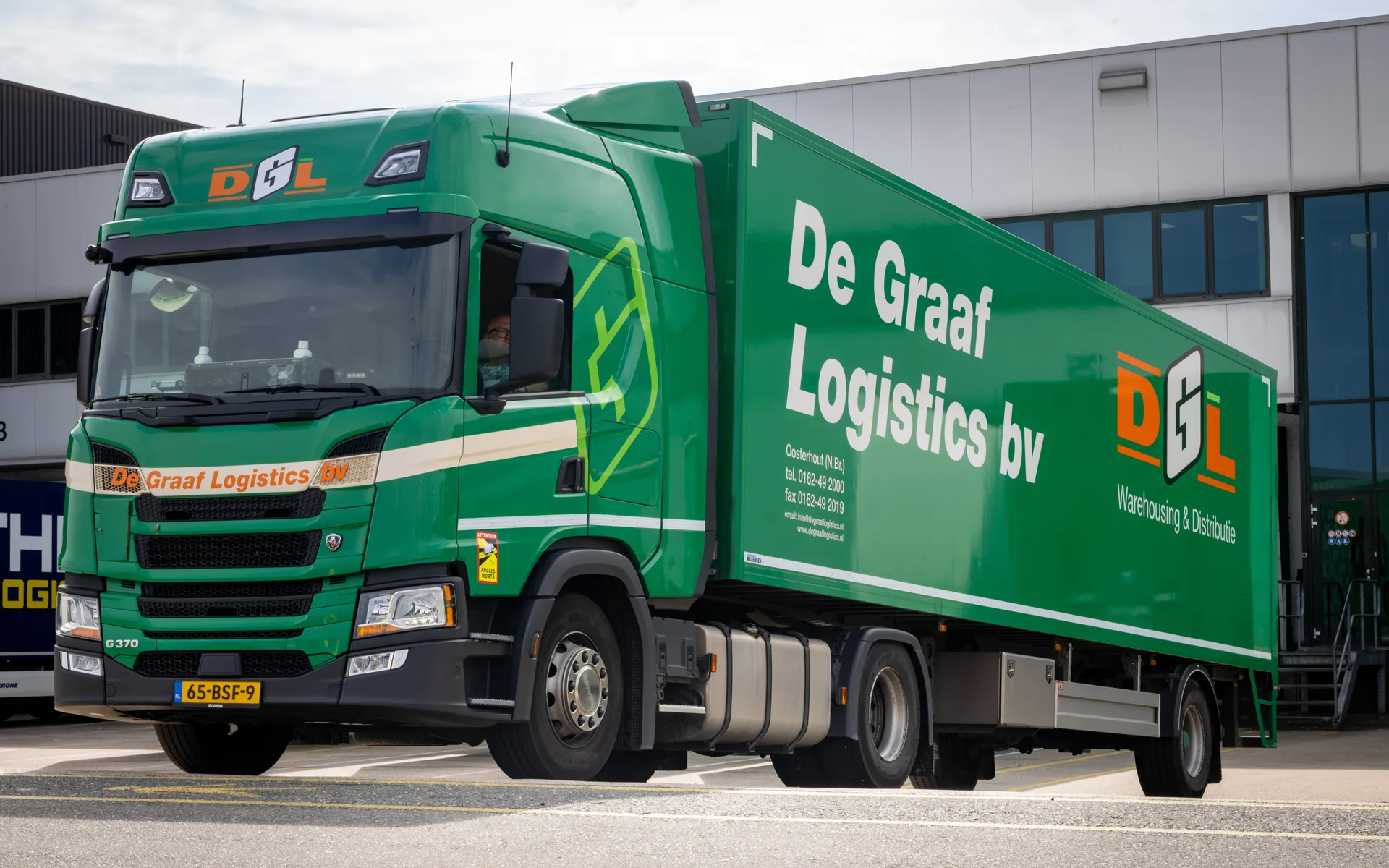
Planners don’t disappear. They get a different job, with tools to stay in control: drag and drop orders between routes, lock the routes that must not change, and see any broken rules flagged. Another example is that of Distrilog. They used PTV Route Optimiser ST for its 350 vehicles. It started with a pilot at the Olen depot in April 2025, ran both systems side by side for about six weeks, and then moved the rest of its planning over in stages.
After go live, the team tuned PTV OptiFlow’s parameters daily. Now it’s once or twice a week.
A few things to settle before you start, whichever system you use today
- Who plans what, and when? Decide which depot or region moves first.
- How will you measure success? Record your baseline first, such as kilometers, driving hours, planning time and on time delivery, so you can compare after the pilot.
- Is your data ready? Data quality is key. Check addresses, service times and time windows before you start.
- Who owns the connections? Integrations deserve their own owner. List every system that exchanges data with your planning, such as ERP, TMS, WMS and telematics, and note what each one sends and receives.
- What does your team need to learn? Planners move from building plans to reviewing and fine tuning them, so set aside time for hands on practice and let them shape the setup.